
A cookie measures ad performance. The page works the same either way.
1
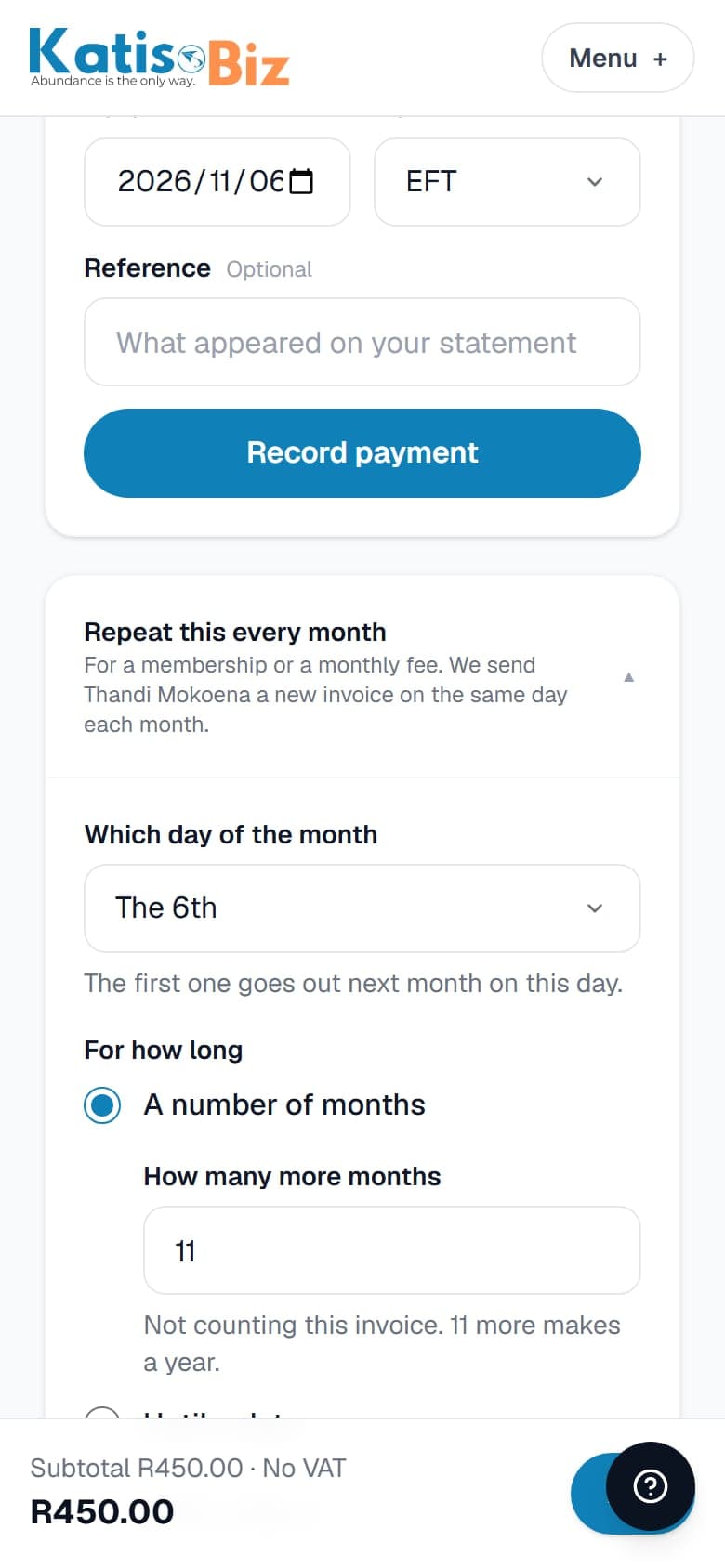
Issue the invoice as usual. Then scroll to the bottom of it and tap Repeat this every month.
2
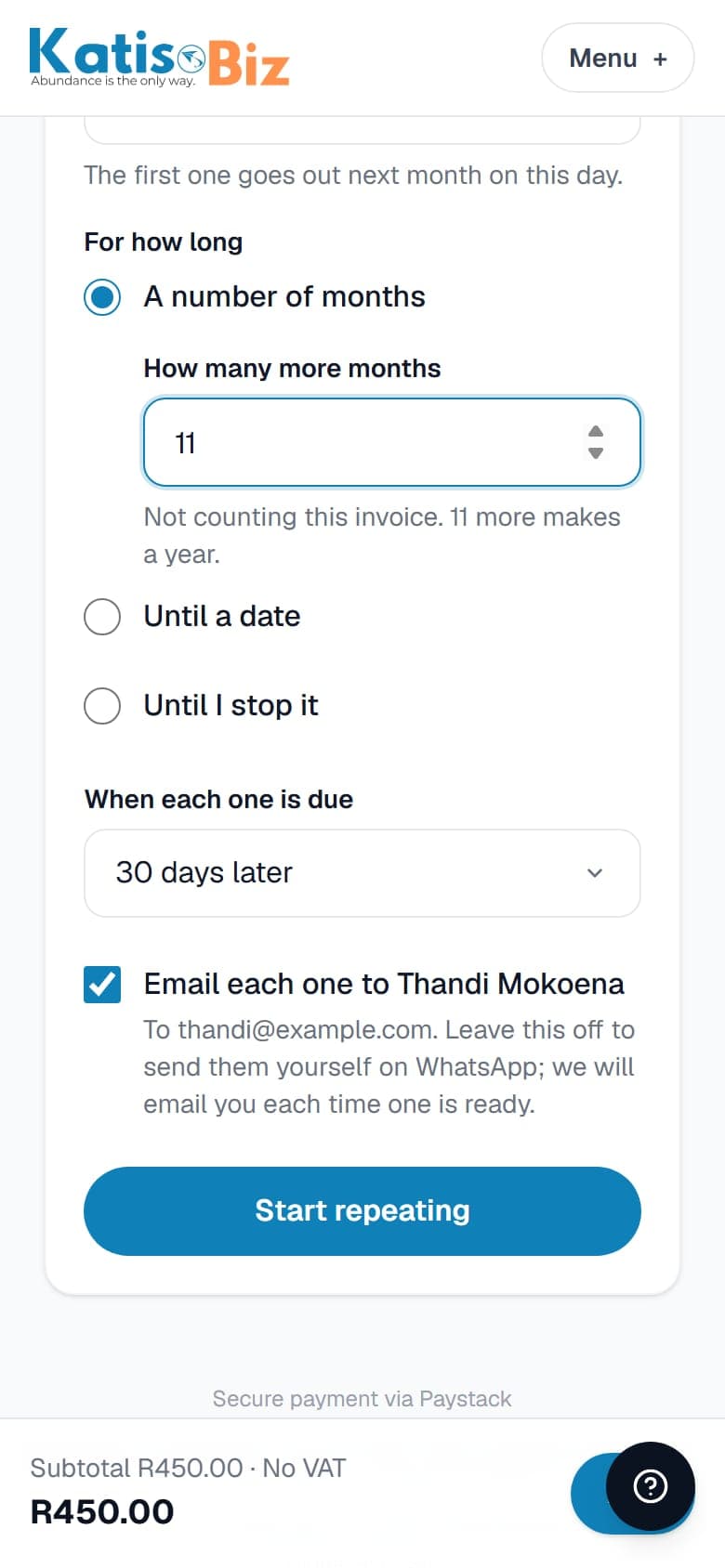
Choose the day of the month, for how long, and when each one is due. Leave Email each one ticked and we email it to your customer for you.
3
Press Start repeating. On that day every month we make a new invoice with its own number and send it. You do nothing.
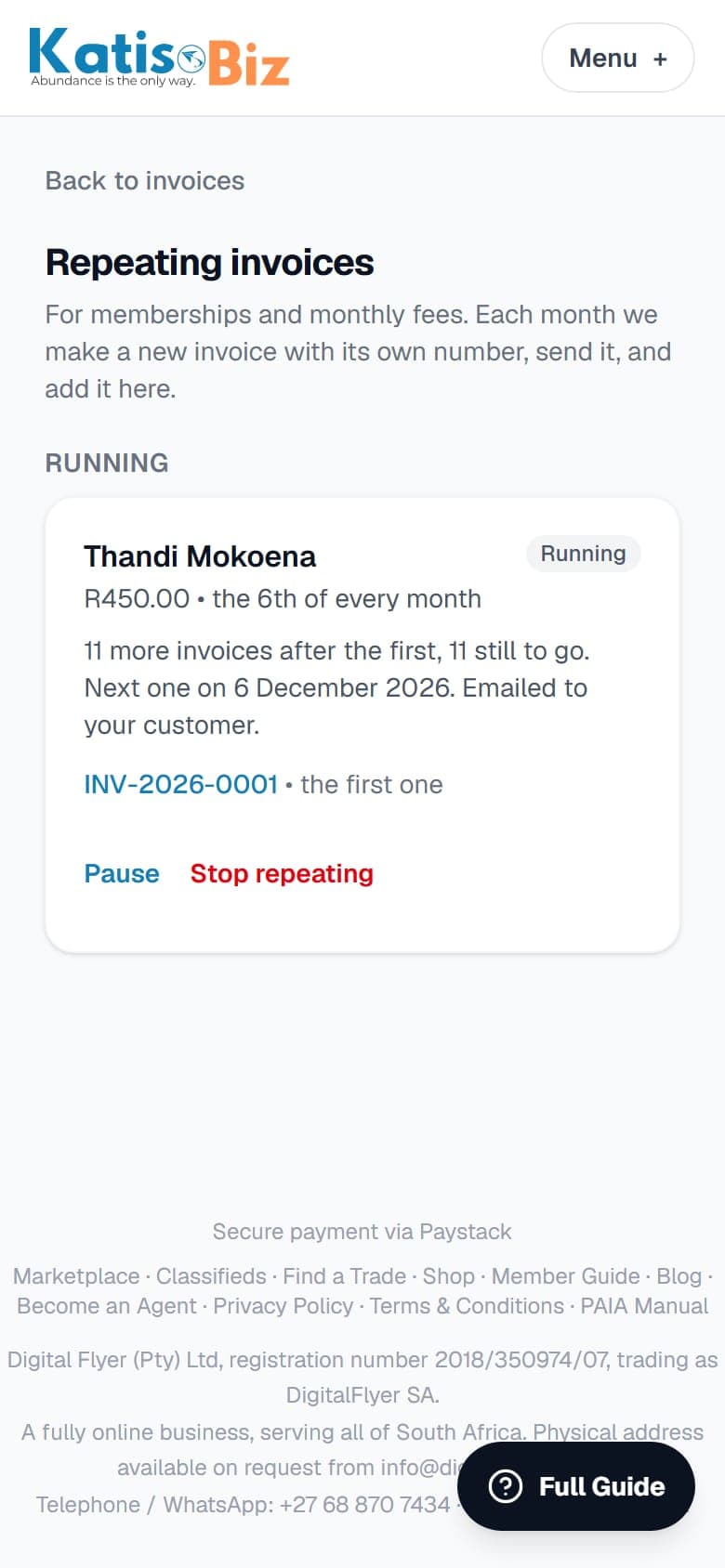
To see them all, or to pause or stop one, go to Invoices, then Repeating invoices. Each one counts as one of your documents for that month. If you have none left on the day, it waits as a draft and we email you.